Resources

Contextualizing the digital world for modern sales professionals. This free resource is full of practical insights, how to's, and perspectives that bridge the gap of digital communications and modern sales. 

How To Remove Auto-Captions on LinkedIn™ Videos (and Keep Your Content Clean)
how to linkedin
How To Remove Auto-Captions on LinkedIn™ Videos

When you post a video on LinkedIn, it’s worth remembering one thing: most of your audience won’t actually hear it.

Why? 

Because on a B2B platform like LinkedIn, it’s safe to assume your viewers will often be on mute. Just think about your own consumption habits. Logging on from the lunchroom, an open-plan office, or while commuting.

That’s why captions are such a big deal on LinkedIn. They let your content be understood without a single sound.

But if you’ve already added captions during your edit - maybe with large, legible, on-brand fonts— that’s not going to stop LinkedIn from layering its own automatic native captions over the top. 

Sometimes that’s fine. But more often? It just becomes a distracting mess.

Two sets of captions competing for attention create visual clutter, break your design flow, and can easily reduce engagement. If you’ve gone the extra mile to make your captions beautiful and brand-aligned, the last thing you want is LinkedIn’s default overlay undoing all that hard work.

Here’s How to Remove LinkedIn’s Auto-Captions

  1. From your homepage, click Start a Post.
  2. Scroll down to the bottom left and click Add Media.
  3. Drag your video into the window or upload it from your computer.
  4. Once your video is loaded, scroll to the Captions section (bottom left).
  5. Click Captions.
  6. Turn off the Add Auto Captions feature.
  7. Click Apply.

LinkedIn will now leave your video exactly as you intended—clean, clear, and on-brand.

The Bottom Line

Captions are powerful. They keep your video accessible and watchable in any environment.But like any form of digital media, you need to consider how they’ll appear in context. In this case, switching off auto-captions when you’ve already added your own protects your design, preserves clarity, and improves your audience’s experience.

A small change that makes a big difference in how your content feels.
OUR PRODUCTS 

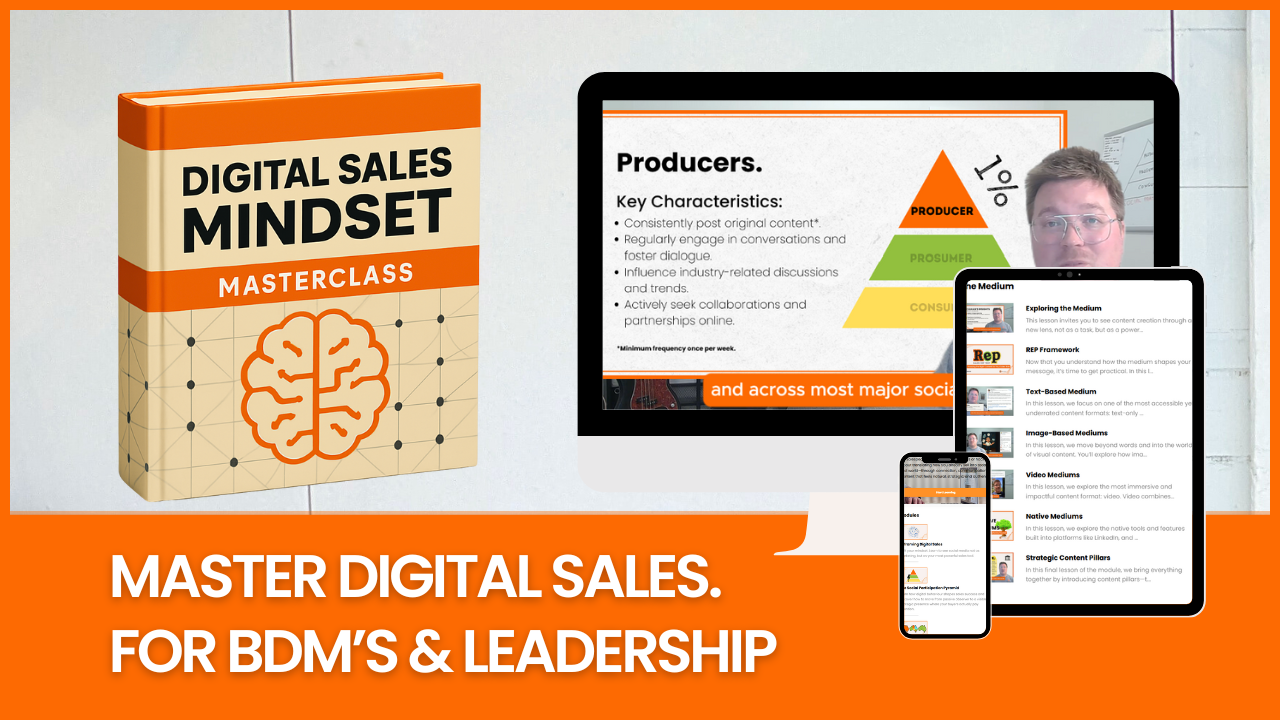
Digital Sales Mindset Masterclass

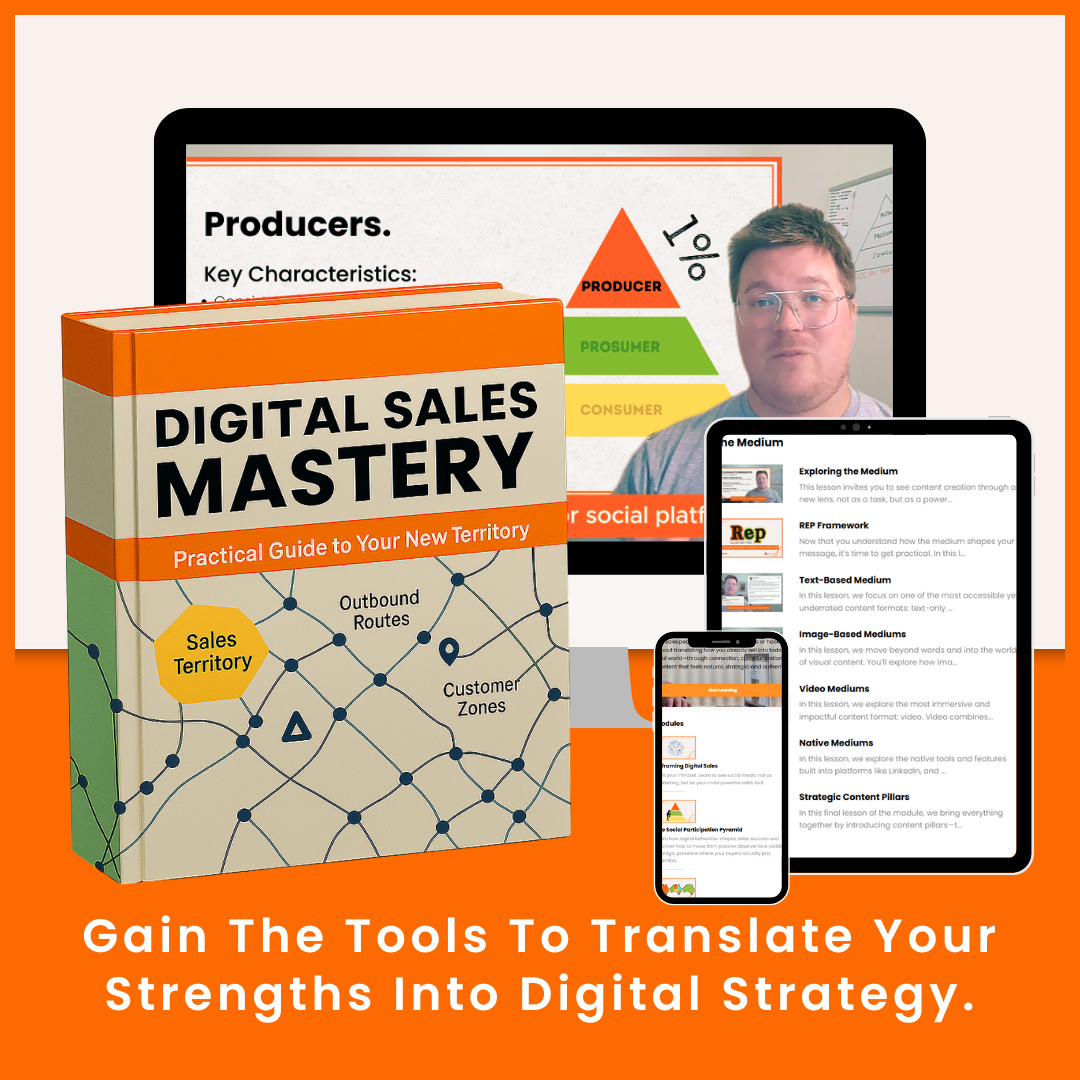
Digital Sales Mindset is a 90-day course built for experienced leaders and sales professionals in complex, relationship-driven environments who are ready to modernise how they sell. Without losing the human connection that makes them successful. You’ll learn how to communicate with clarity and confidence in the digital world, translating your existing credibility into visibility where your buyers are already making decisions. Through a practical, sales-first approach, you’ll build trust online, open new conversations, and create consistent opportunities without feeling like a marketer. Across six structured modules, you’ll gain the tools, frameworks, and confidence to integrate digital communication naturally into your everyday sales process. By the end, you’ll have a repeatable system that strengthens your pipeline, amplifies your reputation, and positions you to lead the digital conversation while others are still trying to catch up.

$448.00 AUD

Personal Compass 🧭

The Personal Compass Challenge is a 4-week self guided process which prompts 20 deep reflections to help you move past self-doubt, uncover your strengths, and clarify the values that make you relatable. By the end, you’ll have a personal storytelling toolkit that makes showing up online feel confident, authentic, and natural.

$45.00 AUD
JOIN OUR NEWSLETTER

Get actionable insights delivered straight to your inbox.

Sales is evolving and digital communications is at forefront. We’ll keep you ahead of the curve with bite-sized tips, opinions and updates that will help you adapt, connect, and thinking outside the box.

You're safe with me. I'll never spam you or sell your contact info.