How To Personalise your LinkedIn Profile URL
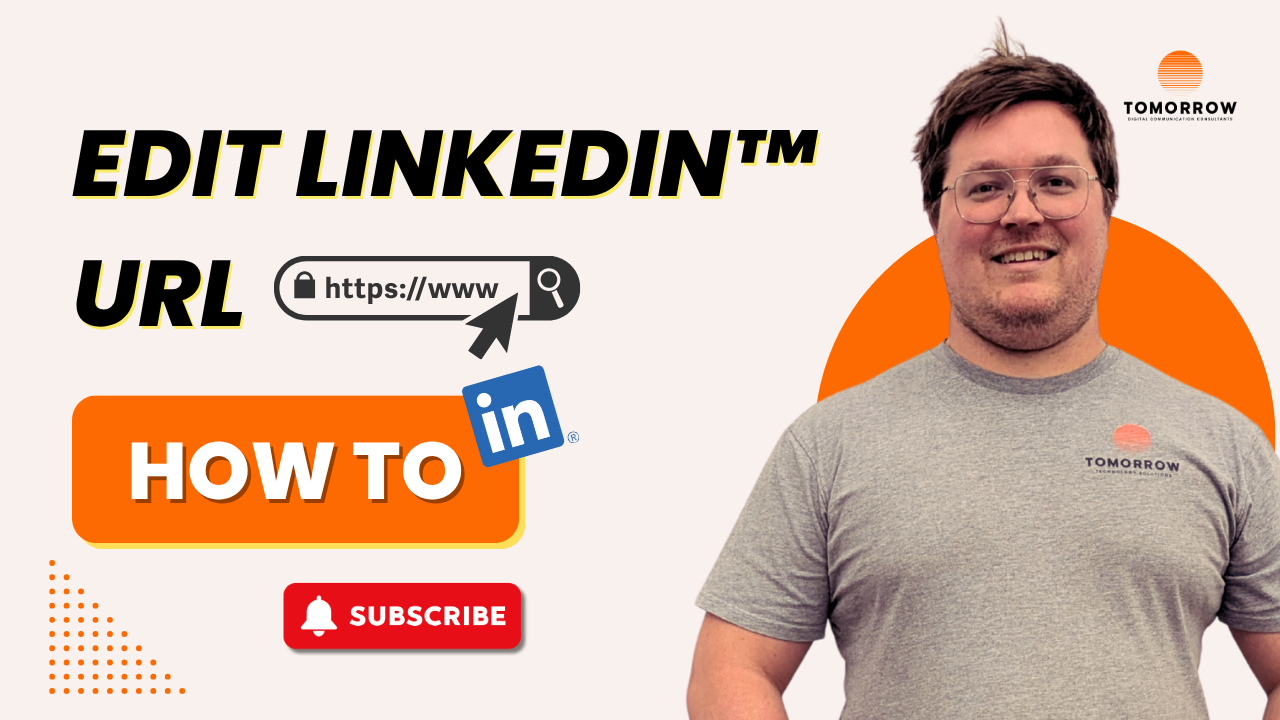
If you’ve ever tried adding your LinkedIn URL to a business card or email signature, you probably noticed by default it looks messy and unprofessional.
Why Your LinkedIn URL Matters
That’s because LinkedIn likely assigned your profile a string of random numbers when you signed up.
It’s their way of making your page uniquely identifiable amongst their 1 billion users.
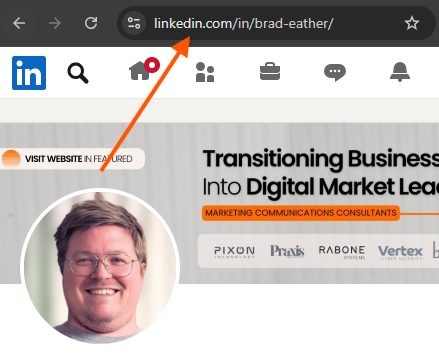
Where to find your LinkedIn Account URL
-
Navigate to your profile “Me” icon at the top right of your profile.
-
Click “View Profile”.
-
Copy the URL from your web browser.
Why Change Your LinkedIn Profile Link?
Your LinkedIn URL is effectively your personal domain name.
It’s how others can find you online and how search engines recognise you.
Used right, it’s like a digital business card with a direct link to your address.
So how do you clean it up?
How to Create a Custom LinkedIn URL
-
Navigate your profile to the “Me” icon in the top right.
-
Click “Public profile & URL” at the top right.
-
Click the pencil icon to enter your public profile settings.
-
At the top right, you'll see “Edit your custom URL.”
-
Click the pencil icon, and change your LinkedIn URL.
Fair warning: there are a few clicks in there that feel a bit unintuitive, which is probably why you’re here in the first place.
How to make your LinkedIn URL Unique?
If your preferred URL is already taken, the best practice is to keep it simple and easy to remember.
Try one of the following:
-
Add a hyphen- or underscore_ between your first and last name
-
Include a number (like your favourite number or birth year)
You can always update it later but be aware, once you give it up, someone else might grab it. So if you manage to lock down a clean version of your name, it’s worth holding onto.
What to do if your Company Asks You yo Change Your LinkedIn URL?
If your company suggests including their name in your personal LinkedIn URL, it’s okay to push back.
While LinkedIn is a great tool to support the business, your profile URL is a digital asset that should be owned by you.
Your task for today
Take a few minutes to update your URL, you’ll be glad you did tomorrow.
ABOUT US
DIGITAL MARKETING CONSULTANTS
Tomorrow embed inside $1M–$10M professional services to turn complex expertise into high-converting content systems that capture attention and drive growth.